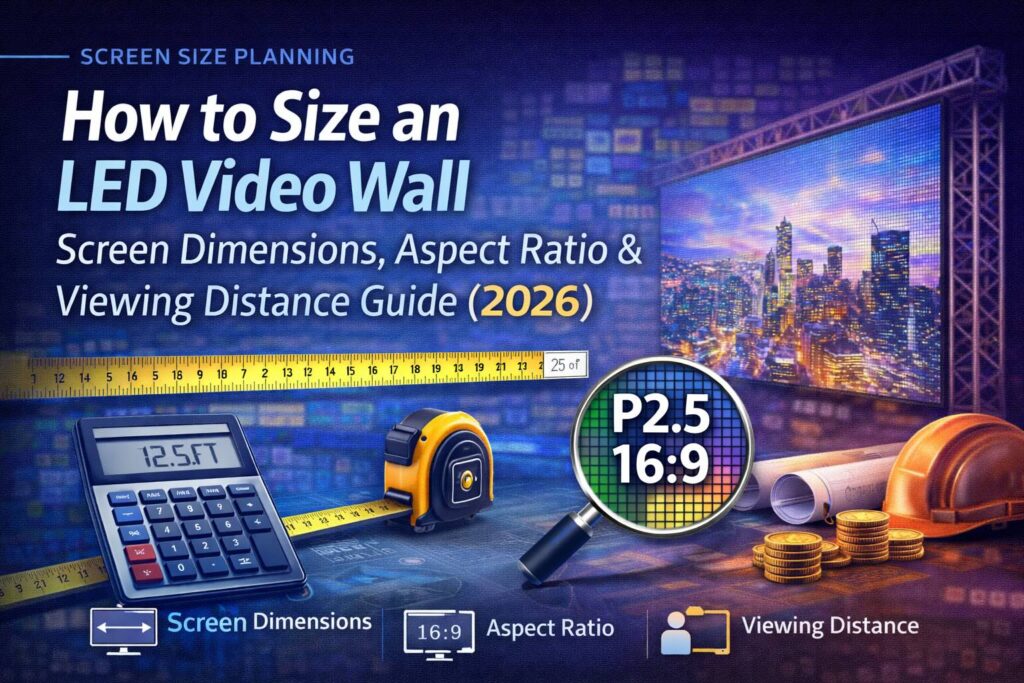
Choosing the correct LED video wall size is one of the most important design decisions in any display project.
If the wall is too small, content becomes unreadable and underwhelming.
If it’s too large, you waste budget, increase power demand, and complicate installation.
This guide walks you through how to properly size an LED video wall based on:
- Viewing distance
- Content type
- Aspect ratio
- Pixel pitch
- Room geometry
- Budget efficiency
Whether you’re designing for a church, corporate lobby, command center, or event venue, this framework will help you size your wall confidently.
📏 Step 1 – Define Your Viewing Distance
Viewing distance determines how large your wall must be and what resolution is required.
A simple rule of thumb:
Ideal viewing distance (ft) ≈ Pixel Pitch (mm) × 3
Typical Viewing Ranges
| Viewing Distance | Recommended Pixel Pitch |
|---|---|
| 3–6 ft | P1.2 – P1.5 |
| 6–10 ft | P1.5 – P2.5 |
| 10–20 ft | P2.5 – P3.9 |
| 20+ ft | P4 – P6 |
Smaller pixel pitch supports closer viewing but increases cost.
Larger pixel pitch lowers cost but requires more distance for clarity.
📺 Step 2 – Determine Content Type
Different content requires different screen sizes.
Common Use Cases
Presentations / Text
- Requires higher pixel density
- Larger vertical height improves readability
- Avoid ultra-wide aspect ratios
Video / Worship / Events
- Wider formats work well (16:9 or ultra-wide)
- Motion content tolerates slightly lower resolution
Dashboards / Command Centers
- Horizontal real estate matters
- Multiple data windows benefit from wider screens
Always design around what viewers actually need to read and see.
📐 Step 3 – Select the Proper Aspect Ratio
Aspect ratio affects content compatibility and system efficiency.
Common Aspect Ratios
16:9 (Most Popular)
- Matches laptops, cameras, streaming platforms
- Ideal for presentations and video playback
21:9 / Ultra-Wide
- Immersive environments
- Dashboards, stage backdrops, branding walls
Custom Ratios
- Architectural integration
- Creative installations
- Requires custom content workflows
When possible, stick with 16:9 for simplicity and future compatibility.
👁️ Step 4 – Calculate Screen Height Based on Viewing Comfort
A comfortable viewing experience typically follows this guideline:
Screen height should equal 1/6 to 1/8 of the farthest viewing distance.
Example
If your farthest viewer sits 40 feet away:
- Recommended screen height ≈ 5–7 ft
From there, width is determined by aspect ratio.
🧩 Step 5 – Match Cabinet Size & Resolution Alignment
LED cabinets come in fixed dimensions (commonly 500×500mm, 600×337.5mm, etc.).
Your final wall size should:
- Align evenly with cabinet dimensions
- Avoid partial cabinets
- Maintain pixel alignment for controller mapping
- Fit mounting structure constraints
This prevents wasted material and simplifies serviceability.
💡 Step 6 – Balance Budget vs Visual Impact
Larger screens and smaller pixel pitch increase:
- Equipment cost
- Power consumption
- Structural requirements
- Installation labor
Sometimes a slightly smaller wall with higher quality resolution delivers better ROI than oversizing.
Smart sizing delivers maximum visual impact per dollar.
🧮 Example Sizing Scenarios
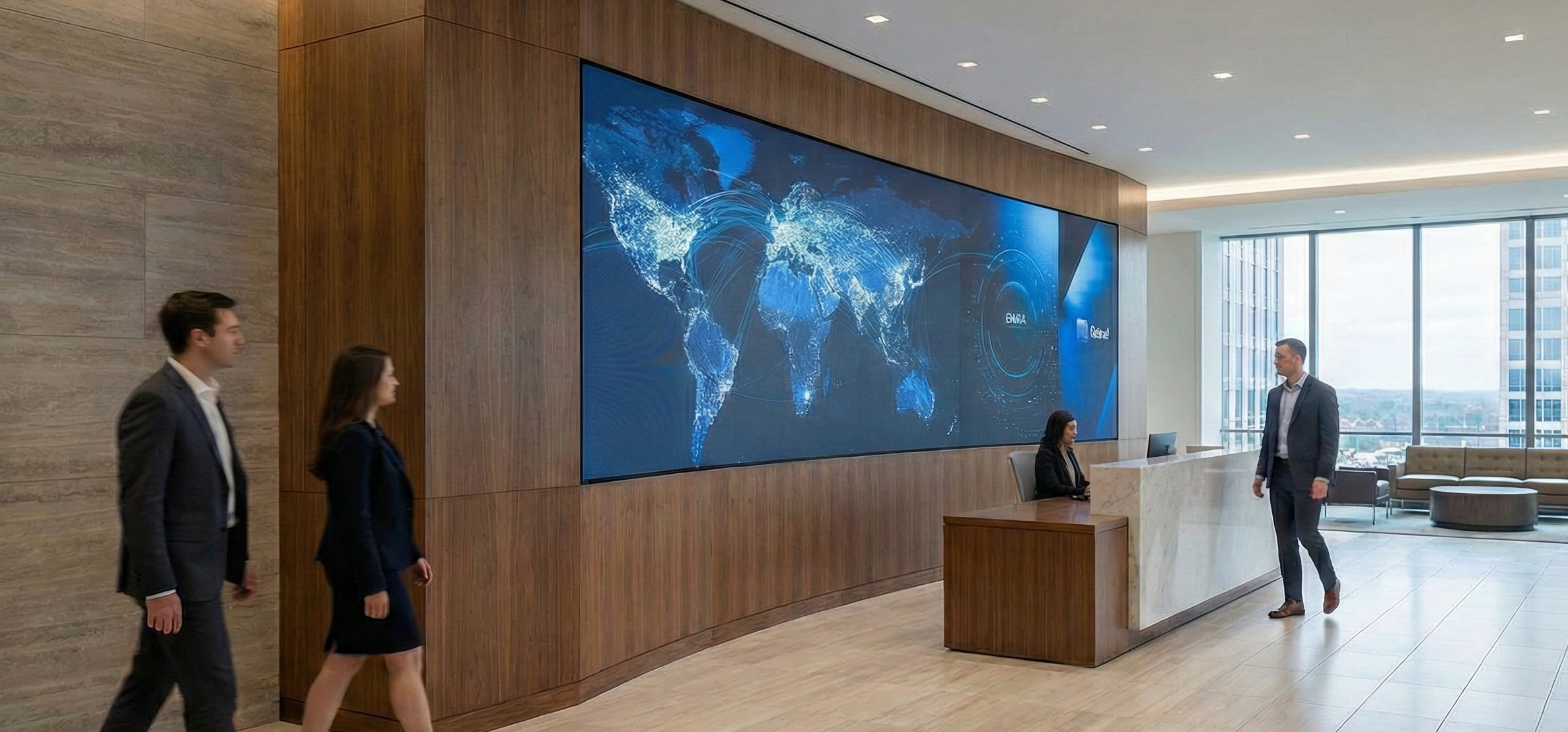
🏢 Corporate Lobby
- Viewing distance: 12–25 ft
- Pixel pitch: P2.5
- Target size: ~10 ft × 6 ft (16:9)
- Resolution: ~1200 × 675 px
⛪ Church Sanctuary
- Viewing distance: 25–60 ft
- Pixel pitch: P2.9 – P3.9
- Target size: ~16 ft × 9 ft
- Resolution: ~1920 × 1080 px
🎤 Event Stage Backdrop
- Viewing distance: 30–100 ft
- Pixel pitch: P3.9 – P4.8
- Target size: ~20–30 ft wide
- Aspect ratio: Wide cinematic
⚠️ Common Sizing Mistakes
❌ Designing only based on wall space instead of viewing distance
❌ Choosing pixel pitch without calculating resolution
❌ Oversizing without budget alignment
❌ Ignoring power and mounting constraints
❌ Not planning for future content scaling
A professional design review prevents expensive rework.
🛠️ Use a Professional Pixel Calculator
Proper sizing requires accurate math across:
- Pixel pitch
- Cabinet count
- Resolution mapping
- Power planning
- Aspect ratio optimization
Pixel Wall provides a professional Pixel Calculator to visualize and validate your design before purchase.
👉 Try our calculator or request a free design consultation.
📞 Ready to Design Your LED Video Wall?
Pixel Wall offers:
- Free site surveys
- CAD layout design
- Pixel pitch optimization
- Power and structural planning
- Budget forecasting
👉 Request your free consultation today and design with confidence.
About Pixel Wall
Pixel Wall is a professional LED video wall design, installation, and event solutions provider serving Virginia, Washington DC, and Maryland. We specialize in delivering reliable, high-performance visual systems for enterprise, government, and event environments.